A focus and usage tracker

Plan tasks, focus, and review screen time and AI use. Records stay on this computer by default.

Mac 5.0.1 · Apple silicon

The Daywake workspace

Switch views, check off a task or try a focus timer.

Daywake

Today

Screen time
3h 05m
Focus time
1h 20m
AI usage
2.20M

Focus and screen time

Start a focus session from a task, then review where your time went.
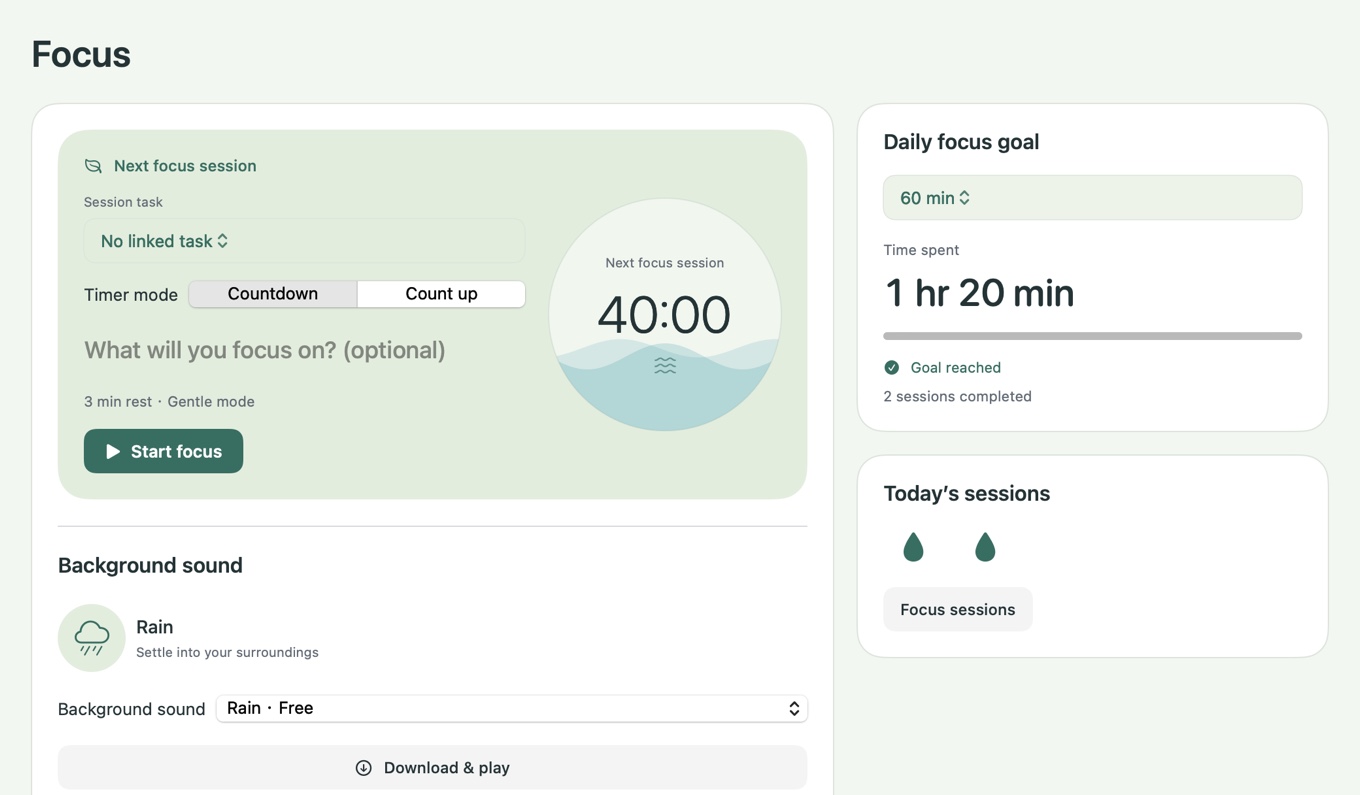
  • Focus timerCount down or up, with a reminder when you get distracted.
  • Screen timeReview time by app and website.
  • Keyboard heatmapSee how often you use each physical key.
Focus and screen time

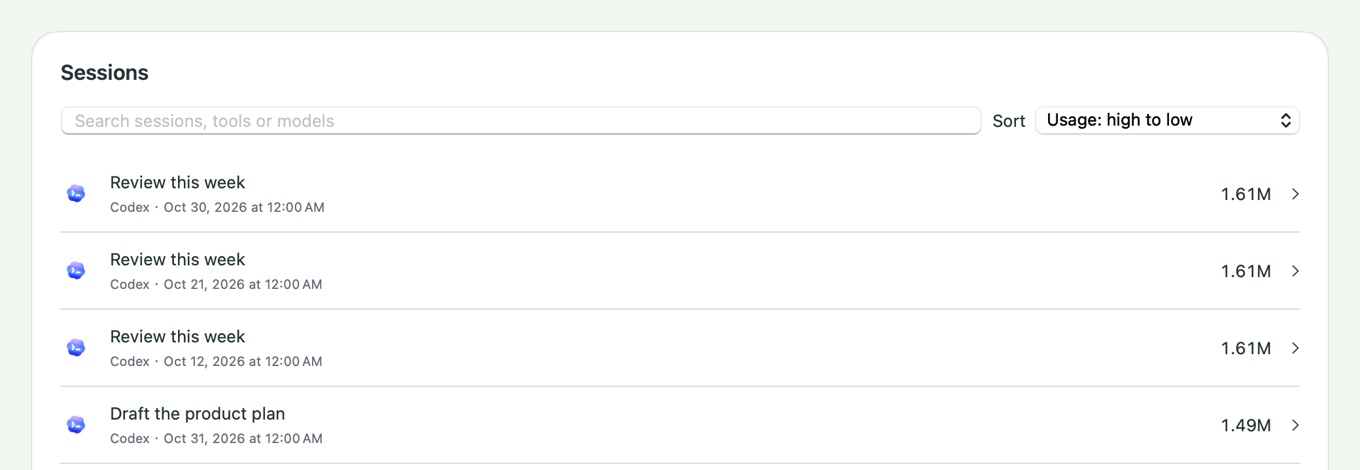
AI usage and work time

Review tokens, estimated costs and AI work time together.

  • Usage breakdownReview usage by tool and session.
  • AI work time · Pro+See recorded work time for Codex and WorkBuddy.
CodexClaude CodeCursorWorkBuddy
See supported tools
AI usage and work time

Daywake membership

See your available plans in Daywake → Account.

Free

Daily records stay on your device.

  • To-dos and focus timers
  • Screen time and basic AI usage

Pro

Review more local history.

  • Full local history
  • Model and workspace analysis

Pro+

Work time and cloud sync.

  • AI work-time analysis
  • Cloud sync and backup

Read the refund policy

Redeem code

In Daywake, open Account, choose Redeem code and enter your code.

Share experience

Share an honest public post with a Daywake screenshot or clip on Xiaohongshu or X. After 10 genuine public likes, apply for 14 days of membership in Daywake under Account.

Disclose that the post is part of the Daywake membership promotion. On X, enable Paid Partnership. One award per account, subject to review.

Download Daywake

Choose your operating system. Mac includes desktop widgets.